
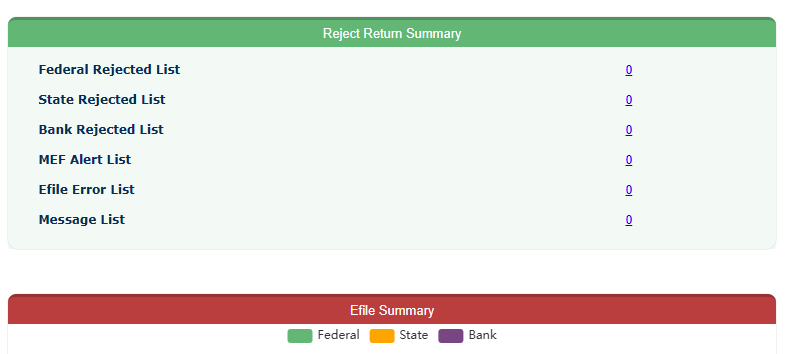
 Once logged in, you will see an E-File Rejection Code Summary. Click “Save and Continue” on the bottom of the page to continue to your tax return.
If you need assistance determining HOW to fix the error or what your error code means, you can access our Federal Error Code Help section located in our Knowledgebase. Once the source of the problem is identified, go to that section of your return and correct the error. After the correction has been made, you will need to save and continue all the way through the return again and resubmit.
* If you are making a correction in the Federal return and you are also filing a state return please select to EDIT your state return and save and continue through that section as well. This is necessary because information changed in your Federal return will not update in your State return until you EDIT and save and continue through your state return.
* It is very important that you continue all the way through until you’ve reached the
“Congratulations” page. Your return will not be retransmitted until you reach this page.
