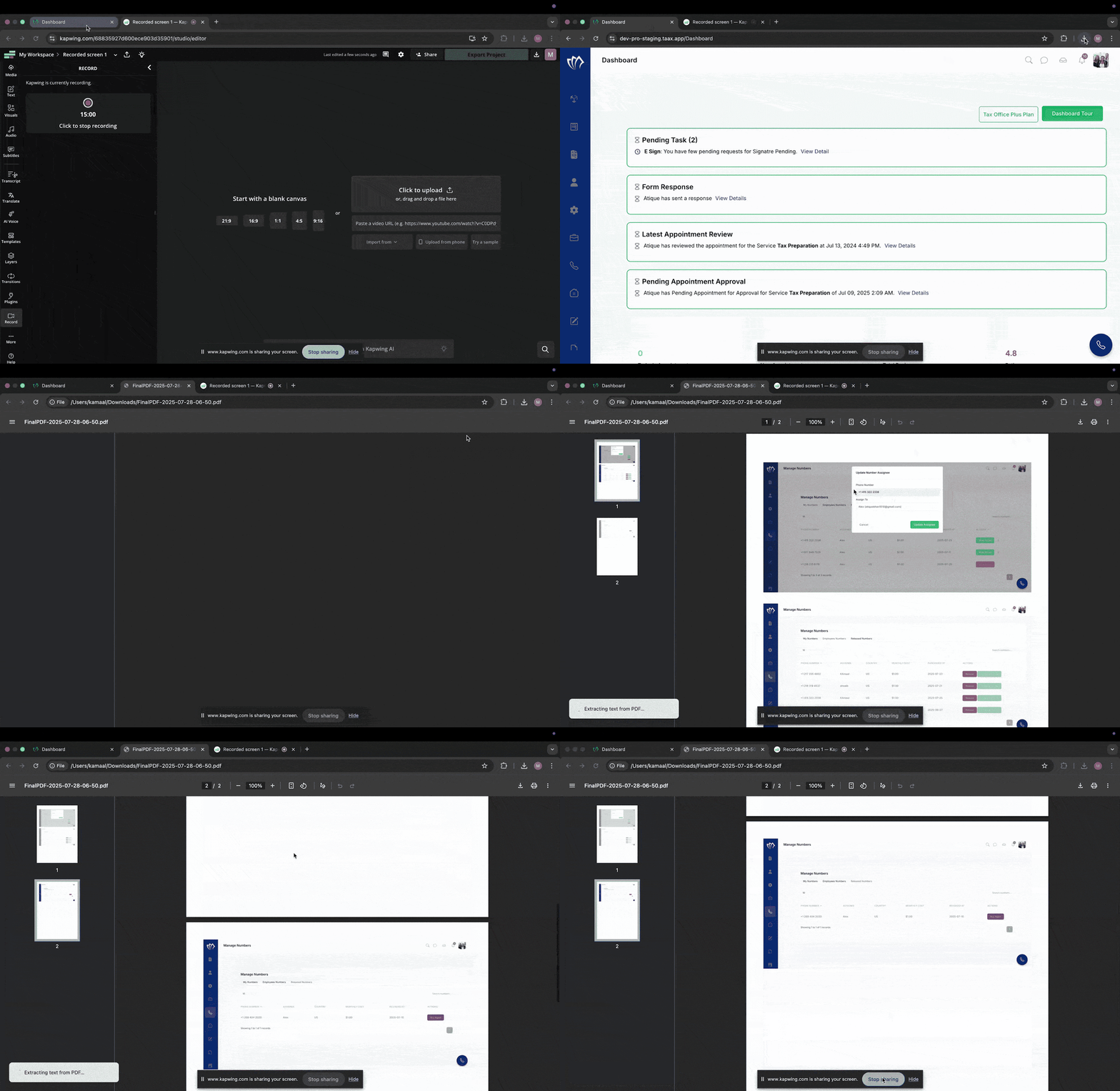
Easily combine multiple files into one consolidated PDF. This is useful for organizing related documents, simplifying sharing, and ensuring all required files are stored together. Using the built-in PDF Merge tool, you can quickly upload, merge, and download a single, well-structured PDF without using external applications.
Follow the step-by-step guide below to create a combine PDF file using merge tool on the TAAX Pro platform.
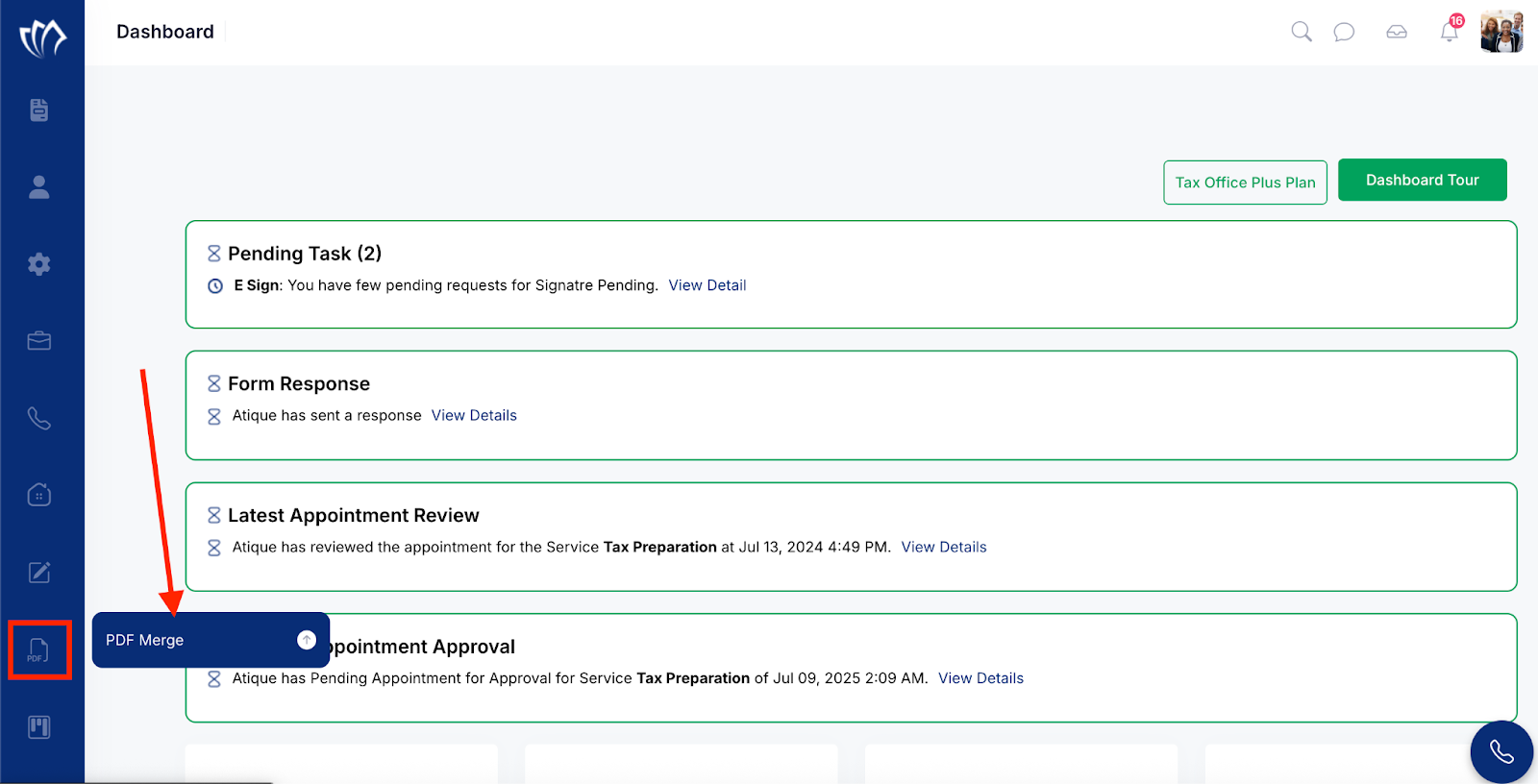
Step 1: Navigate to the left side panel, hover over the “PDF” section, then click on the “PDF Merge” option.
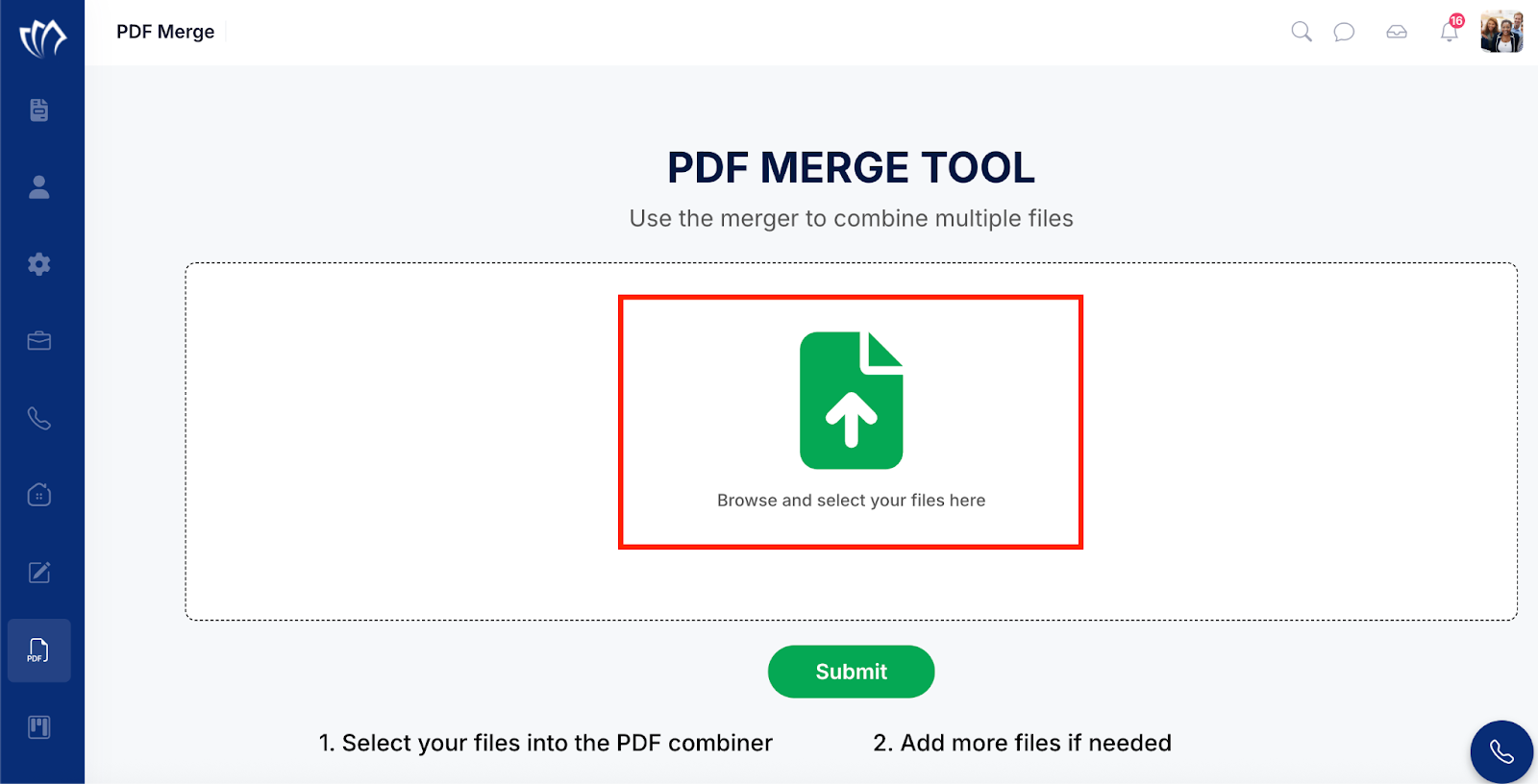
Step 2: The PDF Merge Tool screen will appear, showing an upload area where you can add the documents you want to merge. Click the green Upload icon to select and upload your files for merging.
Step 3: Browse and select the documents from your system that are needed to be merged, then upload them to the PDF Merge Tool for processing.
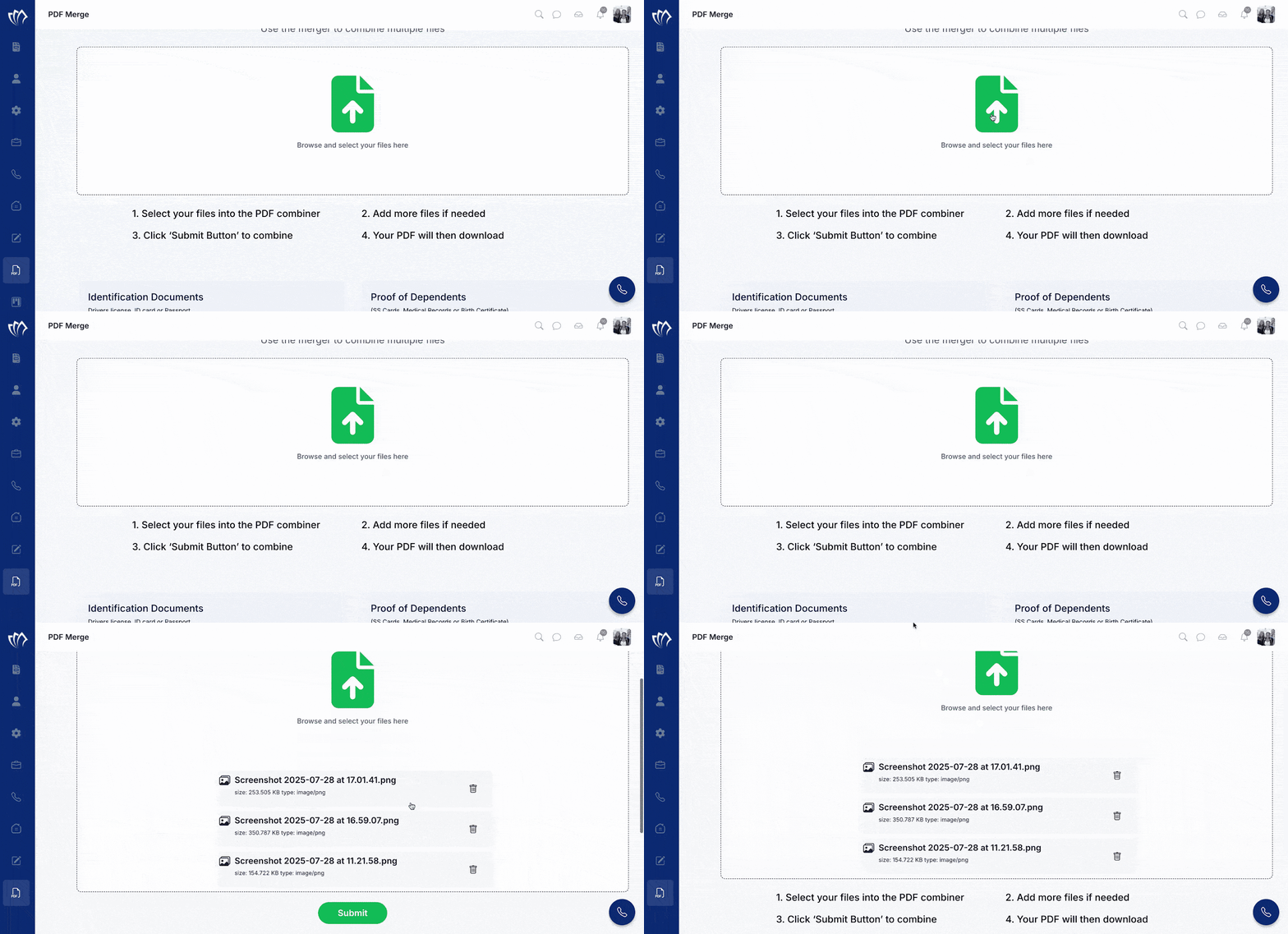
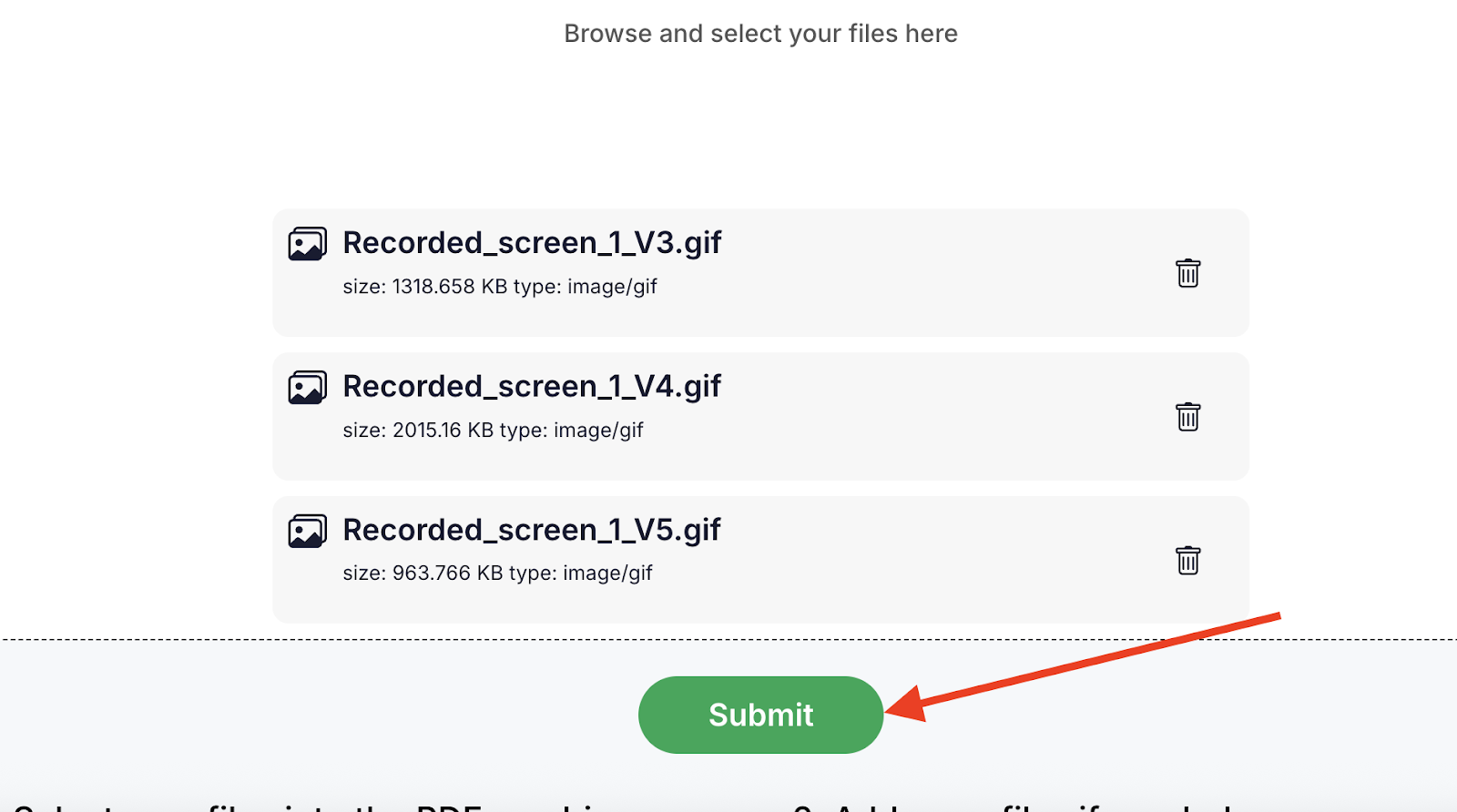
Step 4: Click on the Submit button to start the merge process.
After the merge process is completed, a PDF file will be downloaded automatically. You can open this file to confirm that all your selected documents have been successfully combined into a single PDF.