
1. Start the new return
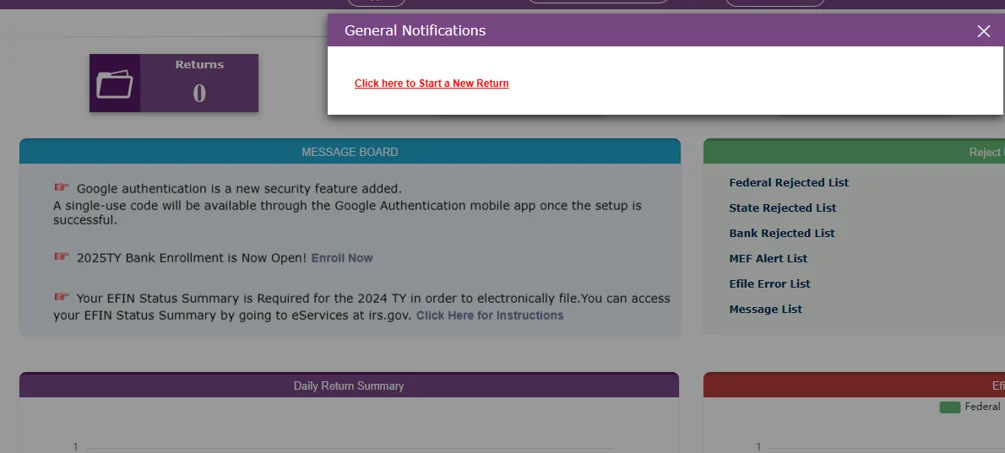
- Log in to your account using the username and password you created.
- Create a new tax return for the appropriate tax year.
2. Enter and review data
- Enter the taxpayer’s information, including personal details, income, deductions, and credits.
- Enter data by either using the interview-style mode or direct input mode.
3. Upload the documents
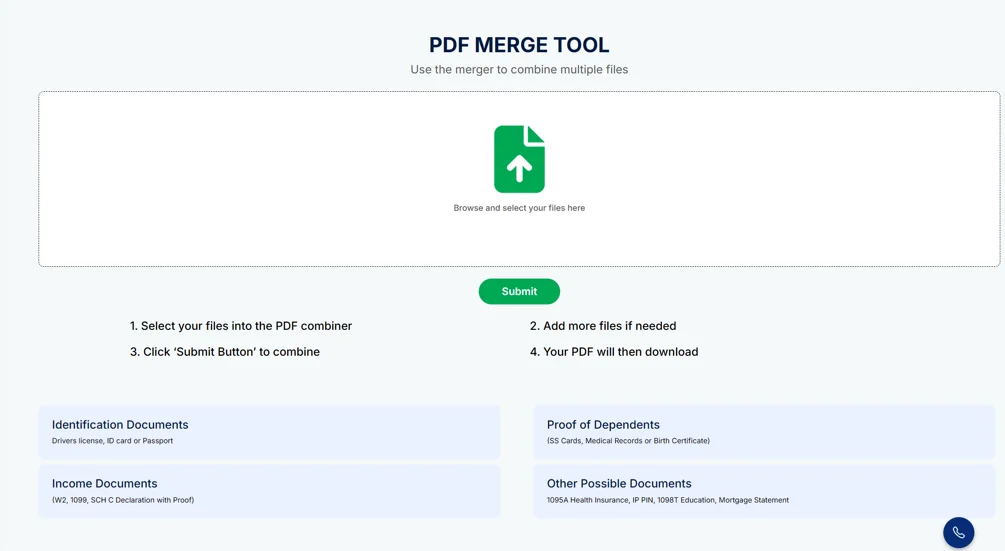
- Merge the client documents in a single PDF using our PDF merge tool and thenuplaod to tax return filing.
- Include (Drivers License, Income Documents, Proof of Business Expenses, Declarations, etc.)
4. Handle Form 8879 and diagnostics
- Add Form 8879 (IRS e-file Signature Authorization) by searching for it within the return.
- Choose between e-filing with a practitioner PIN or a self-select PIN.
- Click the “Verify and Complete” buttons to run a diagnostic check. The software will detect any errors in the federal and state returns.
5. Finalize the return for e-file
- After the diagnostics are clear, confirm the return is complete, ready for review, and ready for e-filing. You must answer “yes” to these questions to proceed.
- If applicable, determine how the taxpayer will receive their refund (direct deposit, paper check, etc.).
6. Address client payments
- Add a new invoice to handle the preparation fee.
- Select the payment mode: “banking” for refund transfers or “non-banking” for cash, check, or credit card.
- Enter the payment details and mark the invoice as complete.
7. Transmit the return
- From the “Manage Return” section, find the e-file options.
- Select the federal and/or state returns you wish to file.
- Click “Transmit now” to send the return immediately, or “Add to Q” to transmit in a batch later.
- For SB shared efin you will need to mark the return for review. Your SB will then review and transmit to the IRS.
8. Monitor e-file status
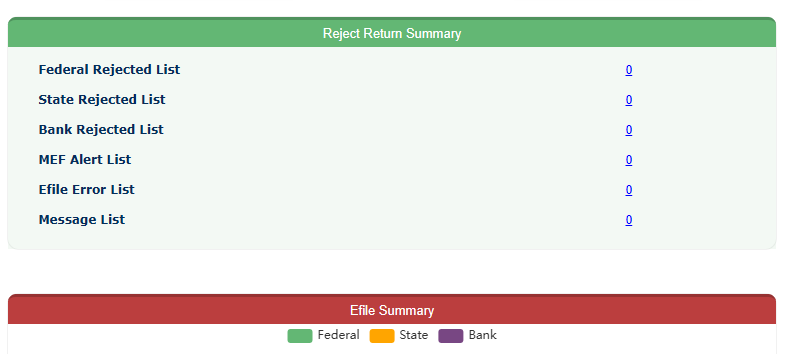
- Check the status of the transmitted returns in the “E-file” section of the software.
- If a return is rejected, you can remove it from the queue, make the necessary corrections, and retransmit it
